Will my Google rankings be affected when I move from WooCommerce to Shopify?+
The goal is to complete the migration without any lasting loss. Because Shopify's URL structure is fixed, your product, category and blog URLs will change; we list every URL that brings in traffic beforehand and redirect each one to its new equivalent with a 301. Page titles and meta descriptions from your SEO plugin are carried over too. There may be short-term fluctuations while Google crawls the new URLs; we monitor this period closely with Search Console data.
Can I move my WordPress blog too?+
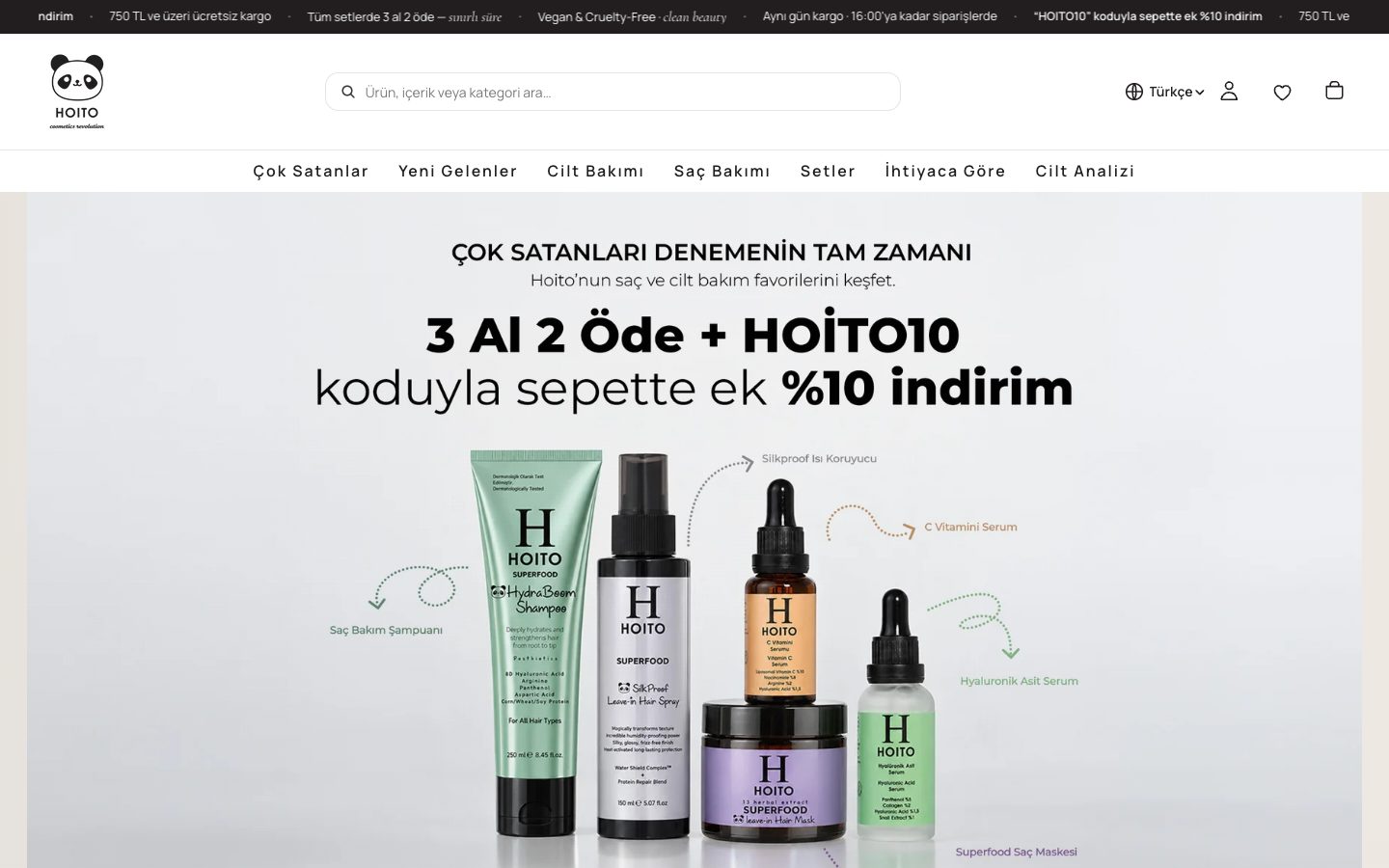
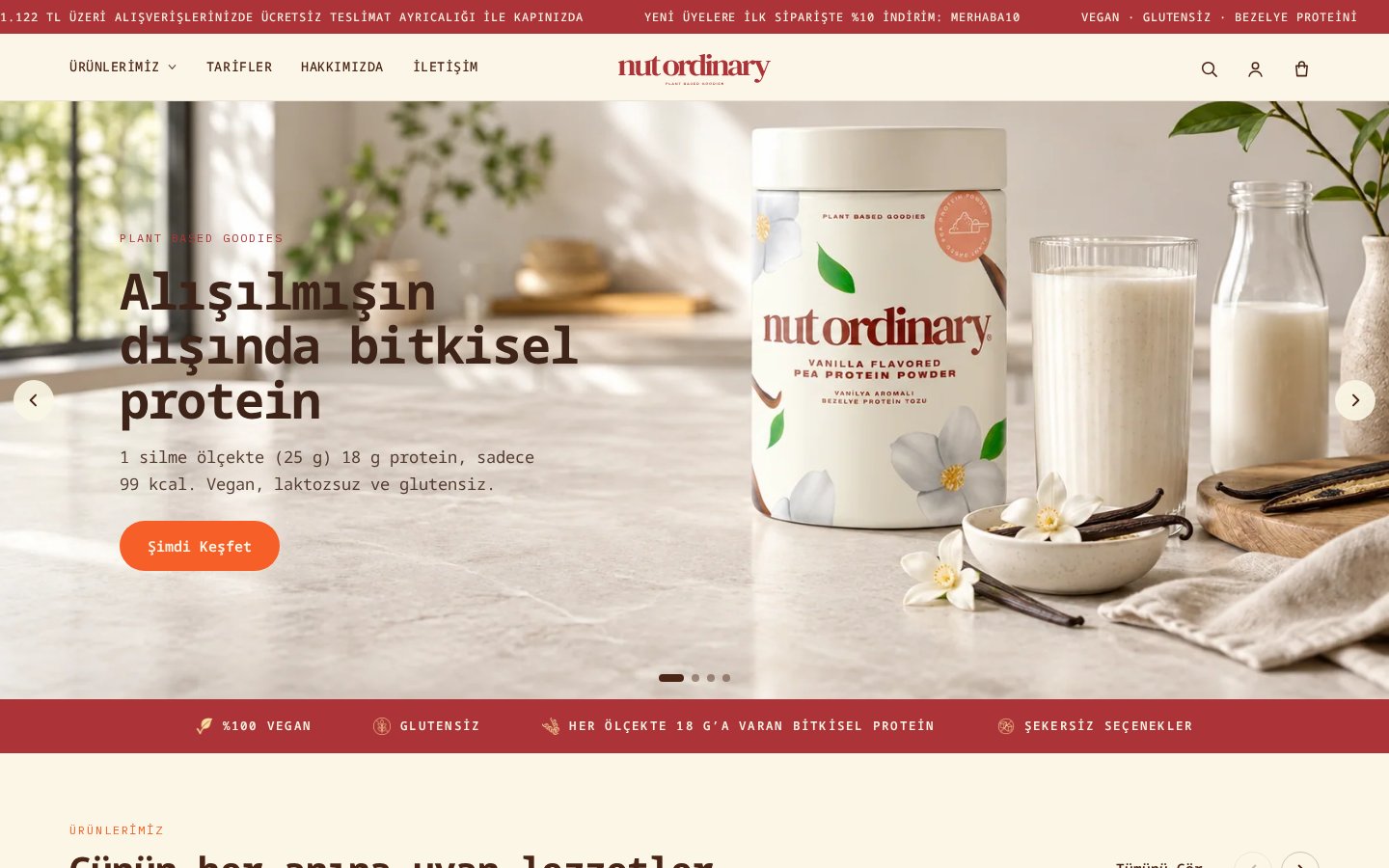
Yes. We transfer your posts, with their images, titles and meta descriptions, into Shopify's blog structure and redirect the old post URLs to their new URLs under /blogs/ with 301s. Shortcodes and page builder components don't work on Shopify, so we rebuild those sections with theme sections. This is also how we handled the product and content transfer when we moved Hoito and Nut Ordinary from WooCommerce to Shopify.
Are there Shopify equivalents for the plugins I use?+
For most of them, yes, and some aren't needed at all. Caching, security and backups are handled by Shopify's infrastructure, and the sitemap and robots.txt are generated automatically. For needs such as reviews, loyalty, email and multiple languages we choose apps, and for processes with no ready-made solution we build a custom Shopify app for you. Rather than installing a one-to-one app for every plugin, we choose only what you really need.
What will we use instead of my payment, shipping and e-invoicing plugins?+
Shopify Payments isn't available to stores based in Türkiye, so we connect local payment providers such as iyzico or PayTR to your store and clarify your instalment and 3D Secure requirements from the start. We set up shipping and e-invoicing connections with ready-made apps, and those without a ready-made solution with Shopify apps we build specifically for you.
Will my customers have to sign up again?+
No. Your customer records and order history are migrated. WordPress passwords can't be migrated, but because Shopify's new customer accounts don't use passwords, there's no need: your customers access their accounts with a one-time code sent to their email address.
What happens to my coupon codes and promotions?+
We read your active coupon codes from WooCommerce and recreate them in Shopify's discount structure. We check rules such as usage limits, minimum cart value and product conditions one by one; for setups with no direct equivalent on Shopify, we choose a suitable app or a custom solution together.
How long does a WooCommerce to Shopify migration take?+
The timeline depends on the number of products and variations, restructuring products with more than three attributes, the volume of blog content to be moved, matching plugins with apps and the scope of the design. We don't give a timeframe without reviewing your site; after the analysis we give you a clear timeline.
When should I shut down my WordPress site and hosting plan?+
Because images and content are read from your old server, we recommend not shutting down the site until the transfer and redirect checks are complete. Once the new store has settled in, you can take a full backup of the database and files and end your hosting; you may still need the old order records for a while for accounting and returns.