OFFICIAL SHOPIFY PARTNER · PLATFORM MIGRATION

Move from IdeaSoft to Shopify,
with your catalogue, members and search traffic in mind.

We read your product catalogue and your member and order records through IdeaSoft's API and export files, and adapt them to Shopify's structure. We link your old URLs to the new pages with 301s and rebuild your payment, shipping, e-invoicing and accounting connections on Shopify.

  • Official Shopify Partner
  • SEO protection with 301 redirects
  • Design, software and marketing in one team
WHY SHOPIFY?

Before you switch platforms,
be clear about what you'll gain.

Your team builds the campaign pages

In Shopify's Online Store 2.0 themes, pages are made up of sections and blocks that you add and remove in the theme editor. Your own team can prepare campaign and collection pages without waiting for a developer, and a theme made entirely for your brand can also be coded.

Direct connection to ad channels

Shopify's Google & YouTube and Facebook & Instagram apps sync your product catalogue with your ad accounts and send conversion data to these channels. Managing your ad budget well starts with putting measurement on a solid foundation.

Integrations that fit your business

Shopify's Admin API and webhooks are open for building apps that talk to your accounting software, ERP or warehouse system. For processes with no ready-made app, we build a custom Shopify app for you.

Selling abroad from the same store

With Shopify Markets you sell to different countries from a single store, in each country's language, on a subfolder or a separate domain. For stores based in Türkiye, payment is taken in the store's currency, while market-specific price settings do work.

WHAT HAPPENS IN A MIGRATION

What moves, what doesn't,
and what gets rebuilt?

We go through every part of the migration up front, so there are no surprises.

DataStatusDetails
Products, options and imagesMigratedRead through IdeaSoft's API and export files; product options are adapted to Shopify's variant structure, and images are transferred from their source URLs.
Categories and brandsMigratedThe category tree becomes collections and the store menu; brands are transferred to the products' vendor field.
Product attributesMigratedTechnical specifications and additional product information are moved to metafields on Shopify and, if you wish, used in storefront filters too.
Member recordsMigratedTransferred along with address details; after launch, your members access their accounts with the same email address. We clarify during the analysis how marketing consents will be handled on Shopify.
Member passwordsNot migratedPasswords can't be migrated from any platform, but there's no need: Shopify's new customer accounts don't use passwords, and your members sign in with a one-time code sent to their email address.
Order historyMigratedMigrated and linked to member records; we recommend archiving your IdeaSoft records separately for accounting and returns.
Dealer groups and special pricesRebuilt on ShopifySet up with Shopify's B2B features (company profiles, catalogues, payment terms) or with apps; some features, such as the number of catalogues, vary by plan.
Content pages and blogMigratedText and images are transferred along with page titles and meta descriptions.
Old URLsMapped with 301sYour IdeaSoft URLs don't fit Shopify's fixed URL structure; every product, category and page URL is linked to its new equivalent with a permanent 301 redirect.
Theme and designRebuilt on ShopifyAn IdeaSoft theme can't be moved to Shopify; your store is built by customising a ready-made theme or with a custom theme made for you.
Payment, shipping, e-invoicing and accounting connectionsRebuilt on ShopifyConnected to the new store through ready-made apps or through Shopify apps we build specifically for you that talk to your accounting software.
PROCESS

A step-by-step,
transparent migration.

At the end of each step you see what's ready, and we move on with your approval.

  1. 01Initial review

    We review your IdeaSoft store, product options, member and dealer groups, connected systems and the pages that bring you traffic in Search Console. We share the scope and a clear timeline after this review.

  2. 02API access and data extraction

    We connect through API access set up with read-only permission in your IdeaSoft panel; because the API settings are accessed through the main administrator account, we do this step together with you. For fields that have no equivalent in the API, we use export files.

  3. 03Catalogue structure

    We map categories to collections, options to variants and product attributes to metafields, and decide which fields will be used in storefront filters.

  4. 04Design and connections

    We build your store by customising a ready-made theme or with a custom theme made for you, and configure the payment, shipping, e-invoicing and accounting connections.

  5. 05Transfer, testing and redirects

    We write the data through the Shopify Admin API and test orders with different options, discount codes and instalment payments. We link old URLs to the new pages with 301s, using the mapping table.

  6. 06Launch and monitoring

    We connect the domain, submit the sitemap to Search Console and schedule an email to your customers explaining the new sign-in method. After launch we closely monitor sales, traffic and 404 reports.

BUILT TOGETHER

Brands that have taken
this path with us.

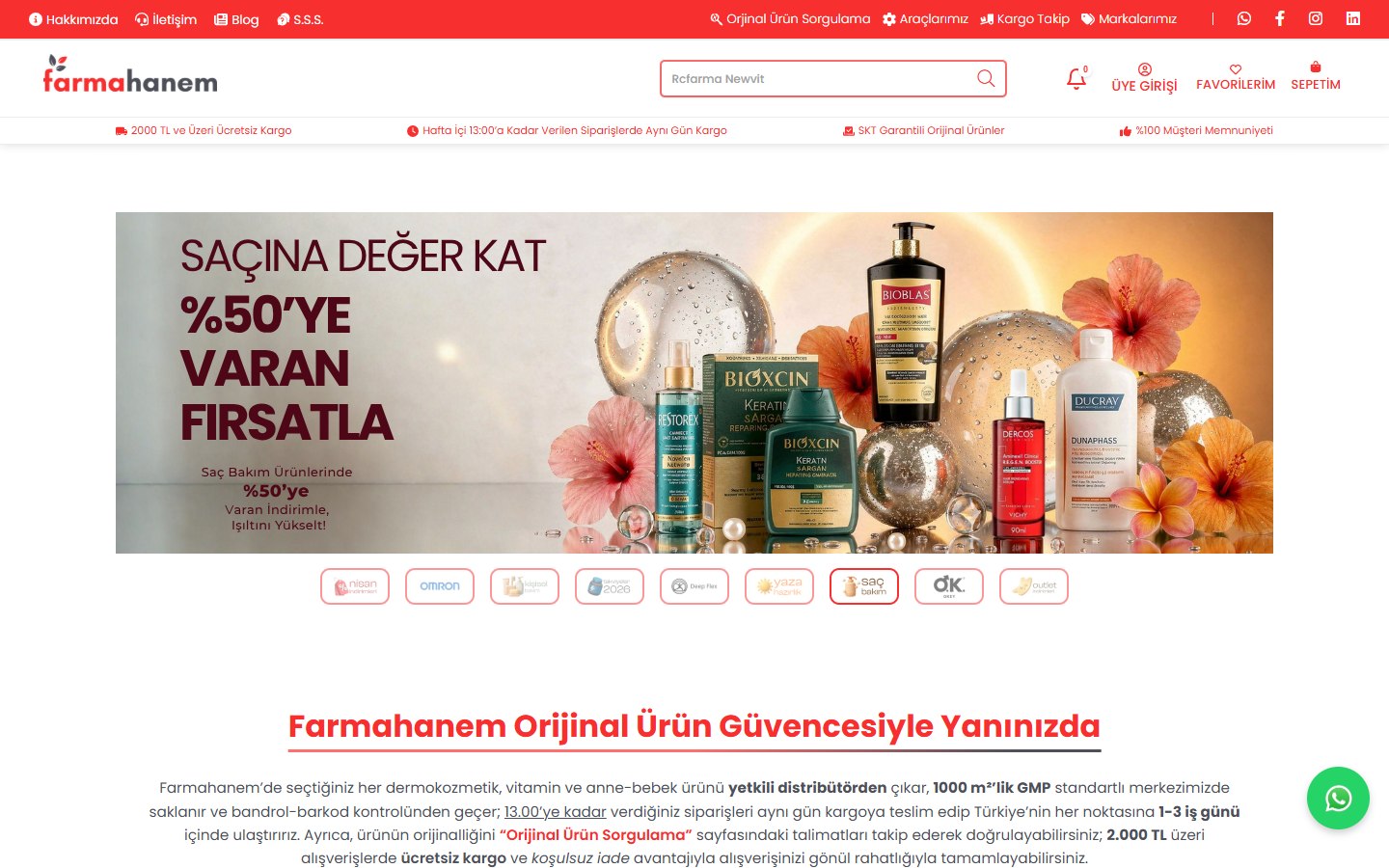
A smooth migration from the Ticimax platform to Shopify was carried out. With a custom design, we now have a very good website. We thank them for their attentiveness. We recommend them.

FarmahanemShopify Partners review

The team listened carefully to our requests, came up with quick solutions where we needed them and kept communication strong throughout the process... I can wholeheartedly recommend them to brands looking for a professional and reliable solution partner on the Shopify side.

AcesoFrom a Shopify Partners review
Farmahanem project
Healthcare11/2024

Farmahanem

Brand Identity · Web Design

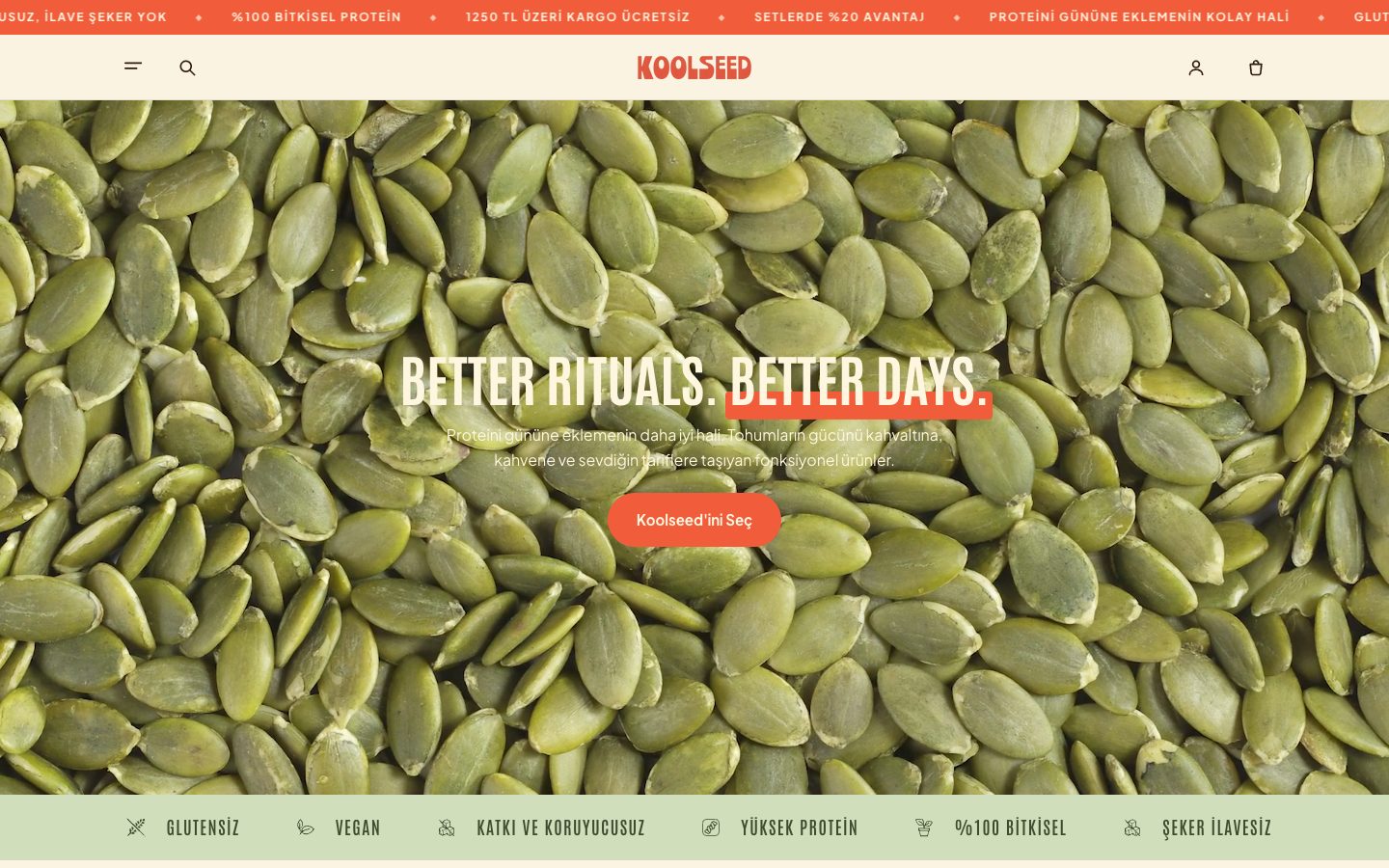
Koolseed project
Food & Beverage

Koolseed

Web Design · Software

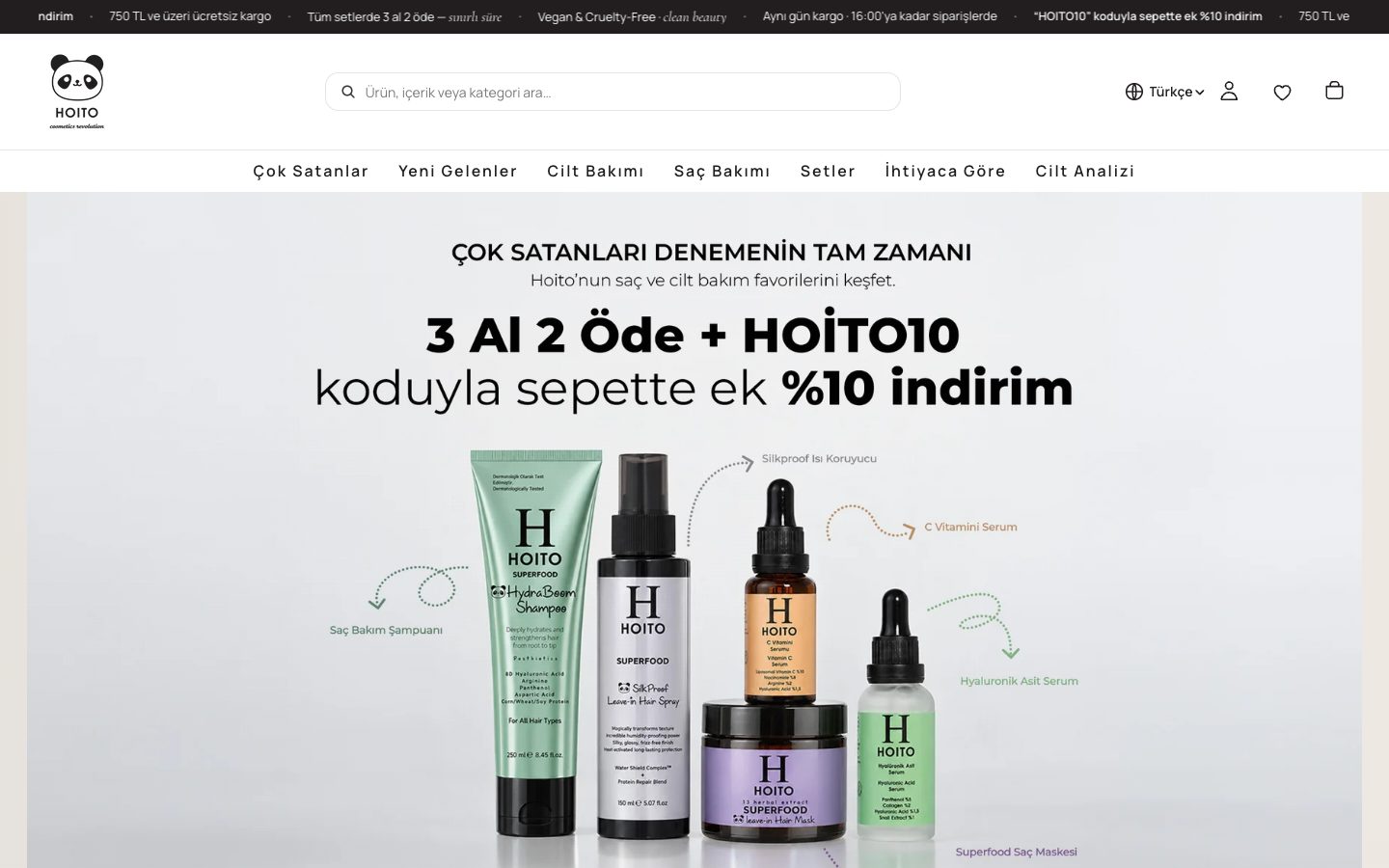
Hoito project
Beauty & Cosmetics

Hoito

Web Design · Software

FREQUENTLY ASKED QUESTIONS

Questions
on your mind.

Will my search traffic drop when I move from IdeaSoft to Shopify?+

We plan the migration so that there's no lasting loss. Because Shopify's URL structure is fixed, your product, category and page URLs will change; we list every URL that brings in traffic beforehand and redirect each one to its new equivalent with a 301. There may be short-term fluctuations while Google crawls the new URLs; we monitor this period with Search Console data.

How do you get my data out of IdeaSoft?+

Through API access set up with read-only permission in the IdeaSoft panel. We create this access together with you using the main administrator account, and use export files for fields with no equivalent in the API. Before writing the data to Shopify, we sort through it and clean up duplicate and incomplete records.

Will my dealer and member group prices work on Shopify?+

Shopify's B2B features now offer company profiles, a limited number of catalogues and payment terms on plans other than Plus as well; features such as unlimited catalogues and assigning a catalogue directly to a company remain exclusive to Shopify Plus. We review your dealer structure during the analysis and choose the right plan and, if needed, a complementary app together.

What happens to my accounting and ERP connection?+

For the accounting software or ERP you use, we first check whether there's a ready-made app on Shopify. If not, we build a custom app for you that transfers product, price, stock, customer account and order data using the Shopify Admin API and webhooks. At the start of the project we agree on which system will be the primary source for the data.

How are instalment payments and cash on delivery set up on Shopify?+

Shopify Payments isn't available to stores based in Türkiye, so we connect local payment providers such as iyzico or PayTR; instalment options are offered according to these providers' infrastructure. Cash on delivery is set up with Shopify's manual payment methods, and we define its rules together based on your shipping setup.

Have you migrated stores from IdeaSoft to Shopify before?+

Our portfolio includes stores we moved to Shopify from Ticimax, ikas and WooCommerce. We use the same method for an IdeaSoft migration: we read the data from the source platform, write it through the Shopify Admin API and redirect URLs using a mapping table. We go through fields and connections specific to IdeaSoft with you one by one during the analysis stage.

How long does an IdeaSoft to Shopify migration take?+

It wouldn't be right to give an exact timeframe without reviewing your store. The timeline depends on the number of products and options, whether order history is being migrated, your dealer structure, the scope of the design and the number of integrations. We work out a clear plan together after the initial review.

What makes up Shopify's monthly cost?+

Your total budget is made up of the Shopify plan fee, subscriptions for the apps you use, your payment provider's commission and the transaction fee Shopify charges on orders processed through third-party payment providers. Shopify plan and app fees are paid directly to Shopify; our fee covers the services we provide.


FREE QUOTE

Let's plan your store
together.

Tell us what you need in two steps; we'll review your store and come back to you with a tailored roadmap and quote.

  • A reply within one working day
  • A preliminary review of your current store
  • No obligation
What would you like to do?
How can we reach you?
Call usWhatsApp